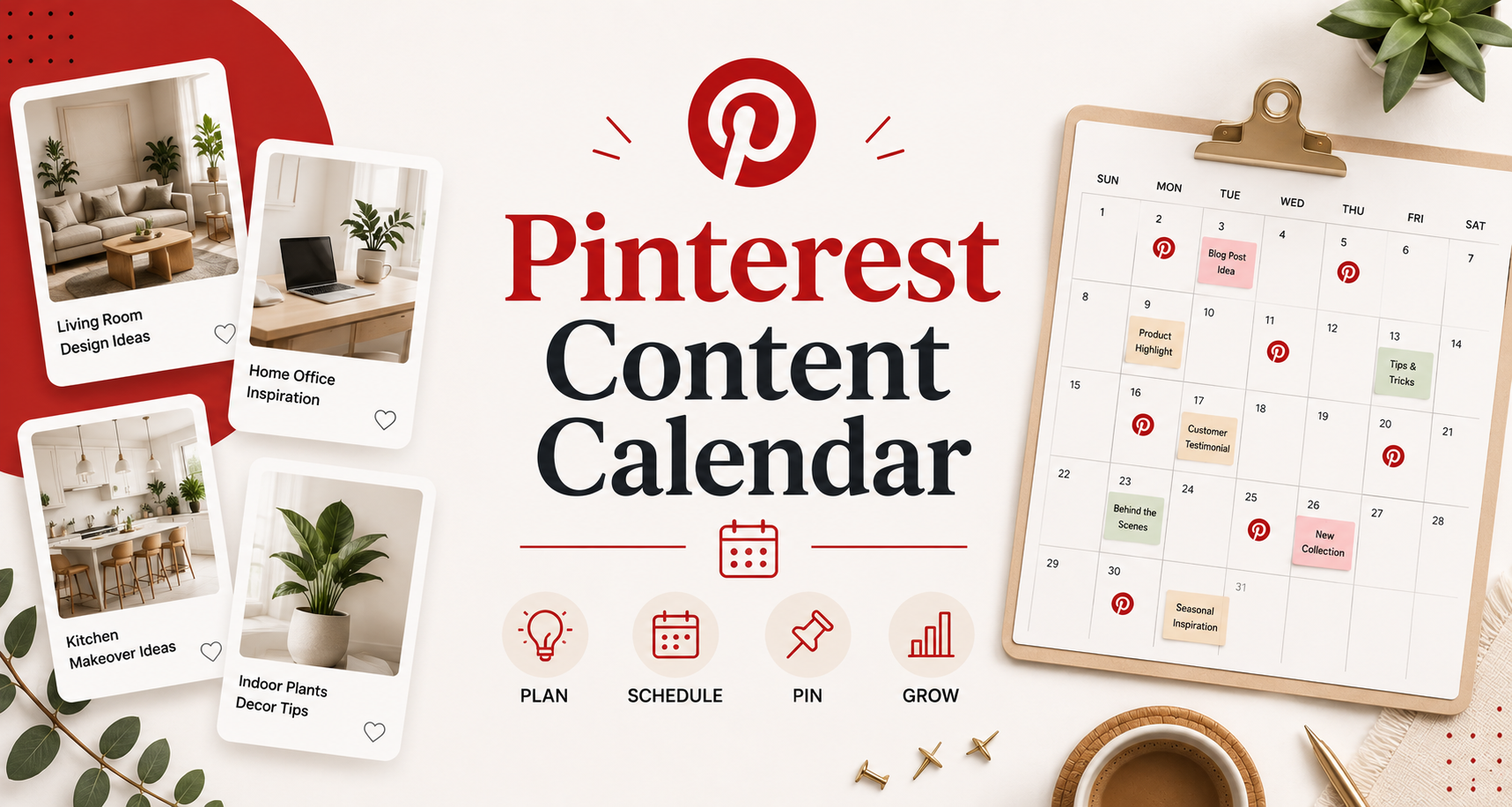
Consistent pinning is the engine of Pinterest growth, but consistency requires a system — not willpower. Creators who rely on spontaneous daily posting inevitably miss days, post at suboptimal times, and end up with an unbalanced content mix that underserves their audience. A Pinterest content calendar transforms your pinning from reactive to strategic, allowing you to plan your content mix, schedule optimal posting times, and maintain consistency even during busy periods. This guide walks you through building and executing a 30-day Pinterest content calendar from scratch.
Why a Content Calendar Changes Your Pinterest Results
The strategic benefits of planning ahead on Pinterest are compounded by the platform’s unique characteristics.
Pinterest’s Evergreen Content Model
Unlike Instagram or TikTok where content has a 24-72 hour lifespan, Pinterest content can drive traffic for months or years. A content calendar helps you invest in evergreen topics that will compound in value over time rather than chasing short-term engagement spikes. Pins planned to align with seasonal search trends (planned 45-60 days ahead) outperform reactive seasonal content significantly.
Content Mix Optimization
A calendar view reveals your content mix at a glance. Are you over-indexing on promotional pins and under-serving your audience with educational content? Are you missing key seasonal opportunities? These imbalances are hard to see day-by-day but obvious when you look at 30 days simultaneously.
The Pinterest Content Categories: Building Your Pillar Framework
Before building your calendar, define the content categories (pillars) that will rotate through your schedule.
Content Pillar Examples by Niche
For a home decor creator: Room inspiration (aspirational imagery), DIY tutorials (how-to content), product roundups (shoppable content), seasonal decorating ideas, and behind-the-scenes content. For a food blogger: Original recipes, ingredient spotlights, cooking technique tips, meal planning content, and seasonal food guides. For a business/marketing creator: Tactical tips and tutorials, tool recommendations, data and statistics infographics, case studies, and trend analysis.
The 70/20/10 Content Mix
A widely used Pinterest content mix framework: 70% value-providing content (tutorials, tips, ideas, inspiration), 20% curated content (repins of others’ content that serves your audience), 10% promotional content (your products, services, or affiliate recommendations). This ratio maintains audience trust while still serving your business objectives.
Building Your 30-Day Calendar: The Practical Process
Step 1: Seasonal and Trending Topic Research
Open Pinterest Trends and identify rising keywords in your niche over the next 30-60 days. Note major holidays, seasonal transitions, and cultural moments relevant to your audience. These form your calendar anchors — high-traffic opportunities that should have content scheduled around them.
Step 2: Evergreen Topic Mining
Use Pinterest’s search bar autocomplete to identify high-volume evergreen topics in your niche. These are the perennial search queries that drive consistent traffic regardless of season. Build 40-50% of your calendar around evergreen topics that will continue driving traffic long after the initial publish date.
Step 3: Frequency and Timing Decisions
Determine your daily pin volume based on your content production capacity. Most serious Pinterest creators publish 10-25 pins per day — a mix of new original pins and repins of existing high-performing content. For a 30-day calendar with 15 pins/day, you need 450 pin slots to fill. Original pins (from your website) should represent 30-40% of your total pins; curated repins fill the rest.
Step 4: Optimal Posting Times
Pinterest engagement peaks on evenings (8-11 PM in your audience’s timezone) and weekends (Saturday and Sunday mornings are particularly high-traffic). Schedule your highest-priority original pins during these windows. Use scheduling tools (Tailwind, Later, Pinterest’s native scheduler) to distribute pins throughout the day automatically.
Scheduling Tools That Make the Calendar Work
Tailwind for Pinterest
Tailwind is the most widely used Pinterest scheduling tool among serious creators. Its SmartSchedule feature automatically identifies your optimal posting times based on your audience’s engagement patterns. Tailwind Tribes (now called Communities) allow reciprocal content sharing with other creators in your niche, amplifying your reach beyond your direct following.
Pinterest Native Scheduler
Pinterest’s built-in scheduler (accessible via Business accounts) allows you to schedule pins up to 30 days in advance. While less feature-rich than Tailwind, it has no additional cost and works reliably for creators who prefer a simpler workflow.
Later for Pinterest
Later’s Pinterest integration offers visual calendar planning, bulk scheduling, and analytics integration. Its visual calendar view makes it particularly useful for creators who prioritize aesthetic consistency across their pinning schedule.
| Tool | Cost | Best For | Key Feature |
|---|---|---|---|
| Tailwind | $13-$25/mo | Growth-focused creators | SmartSchedule + Communities |
| Pinterest Native | Free | Simple scheduling needs | 30-day scheduling, free |
| Later | $18-$40/mo | Visual content planners | Visual calendar view |
Measuring Your Calendar’s Performance
Monthly analytics review allows you to refine your calendar based on what’s actually working.
Pinterest Analytics Key Metrics
Review monthly: Total impressions (distribution reach), saves per pin (content quality signal), outbound link clicks (traffic generation), and profile visits (audience growth signal). Identify your top 10 performing pins and analyze what they have in common — topic, format, image style, posting time. Use these patterns to weight your next month’s calendar toward what the data confirms.
Frequently Asked Questions About Pinterest Content Calendars
How many times a day should I pin?
Pinterest’s algorithm rewards consistency more than volume. 10-25 pins per day is the range where most serious creators operate. Starting with 10-15 pins per day and building volume as your workflow matures is more sustainable than jumping to 25 pins daily and burning out after two weeks.
How far in advance should I plan my Pinterest calendar?
30 days of planning is effective for most creators. For seasonal content that benefits from early indexing (Christmas content, summer content), planning 60-90 days ahead for your major seasonal pushes is advisable.
Should I only pin my own content?
No. Pinning exclusively your own content is a common beginner mistake. Pinterest’s algorithm evaluates the overall quality and engagement rate of your account, not just individual pins. A healthy mix of original pins and curated repins of high-quality content from other creators signals to Pinterest that you are a valuable curator — not just a self-promoter.
What is the best image size for Pinterest pins in 2026?
The standard recommended size is 1000x1500px (2:3 ratio) for static pins. Story pins use 1080x1920px (9:16 ratio). The 2:3 ratio vertical format displays best in Pinterest feeds on both mobile and desktop and should be your default for all original content.
How do I create pins in bulk for scheduling?
Canva’s bulk creation feature allows you to create multiple pin variations from a single template by swapping out images and text. Create a library of pin templates for each content pillar, then batch-produce a month of pin images in a focused 2-3 hour session. This approach makes consistent, branded content production scalable.
How long before I see results from a Pinterest content calendar?
Pinterest SEO results typically compound over 2-4 months of consistent implementation. The first month establishes baseline data. Month 2 starts showing which content categories are gaining traction. Month 3-4 typically shows meaningful improvement in impressions and traffic for accounts that maintain consistent, high-quality publishing.
A Pinterest content calendar is not a constraint — it is the framework that makes creative work sustainable. Plan strategically, publish consistently, measure what matters, and your Pinterest presence will compound month over month into a significant traffic and revenue channel for your business.