Most Pinterest creators check their analytics dashboard occasionally, glance at a few numbers, and move on without extracting the insights that could meaningfully improve their results. Pinterest Analytics contains a rich data set that, when read correctly, tells you exactly what content your audience values, which pins deserve more investment, and which strategic adjustments would have the highest impact on your traffic and growth. This guide turns Pinterest Analytics from a report card into an action plan.
Navigating Pinterest Analytics: What Each Section Tells You
Overview Dashboard
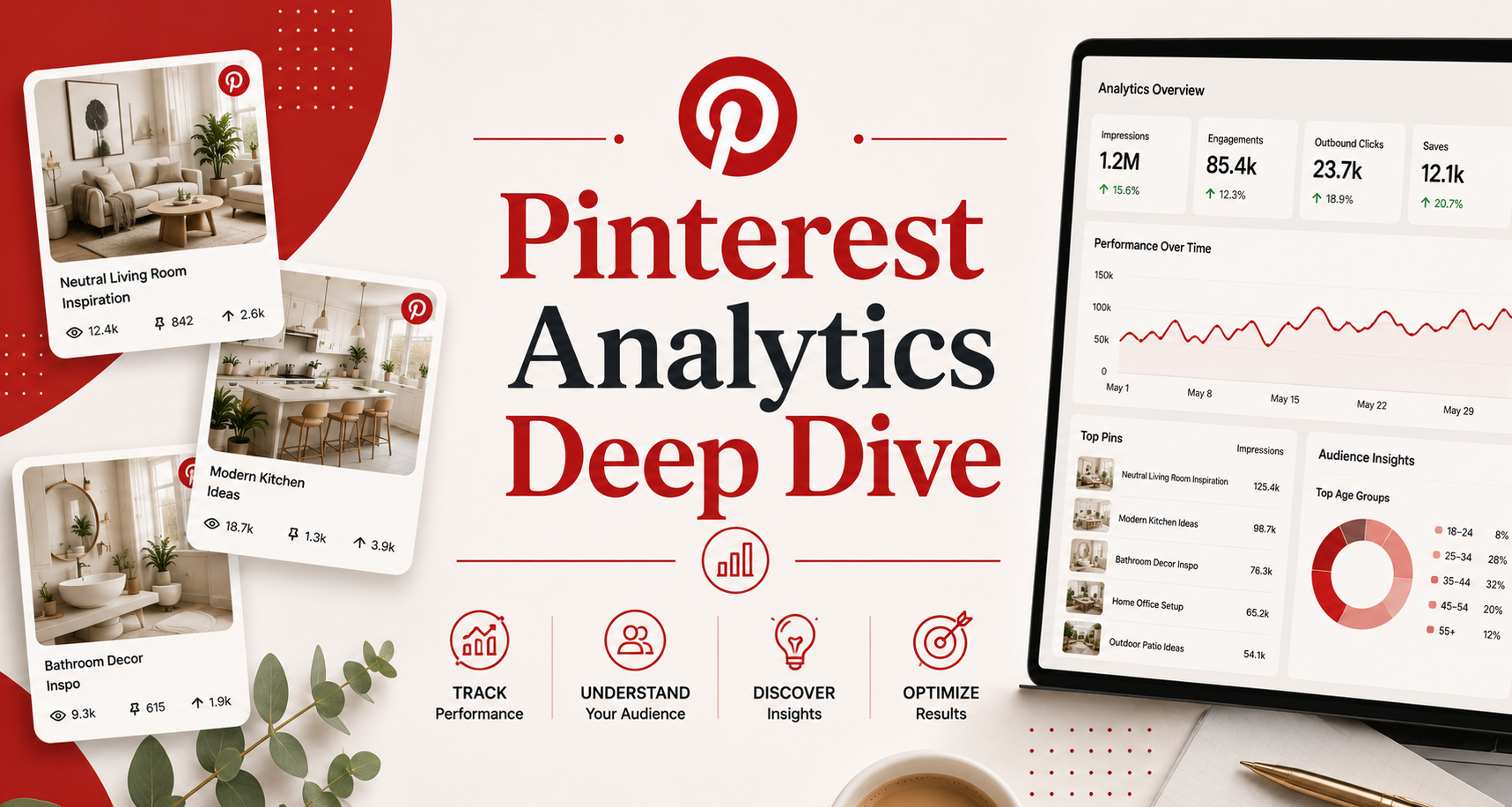
The Overview dashboard shows impressions, engagements, total audience, and engaged audience over your selected time period. Use 30-day and 90-day views for trend analysis — single-day or single-week views have too much noise to identify real patterns. The metric to watch most closely here is engaged audience (people who actively interacted with your content) rather than total audience (people who saw it).
Content Performance
The Content section shows performance by individual pin. Sort by different metrics to answer different questions: Sort by impressions to see what Pinterest is distributing most widely. Sort by saves to see what your audience finds most valuable. Sort by link clicks to identify your highest traffic-driving pins. Sort by outbound clicks to pinpoint your best performing traffic sources.
Audience Insights
The Audience Insights section reveals who your audience is: demographics (age, gender, location), device usage (mobile vs desktop), and their top category interests beyond your specific content. This data is invaluable for content strategy — understanding that 70% of your audience is on mobile means optimizing for mobile-first image design. Knowing your audience’s top interest categories reveals adjacent content opportunities.
The Four Metrics That Actually Drive Pinterest Growth
1. Save Rate (Saves Per Impression)
Save rate is Pinterest’s most important quality signal. A pin with a high save rate tells the algorithm that users find this content valuable enough to return to — the strongest possible engagement signal. Calculate it by dividing saves by impressions. Benchmark: a save rate above 1% is generally strong; above 3% is excellent. If your best pins by impressions have low save rates, your content is reaching people but not resonating.
2. Outbound Click Rate (Clicks Per Impression)
Outbound click rate measures how effectively your pins drive website traffic. This is the metric most directly tied to your business goals (blog traffic, product sales, email signups). Benchmark: 0.5-2% is typical across most niches; above 2% indicates highly compelling calls-to-action and well-matched audience intent. Low click rates on high-impression pins suggest a disconnect between pin imagery and the content users expect when they click.
3. Engaged Audience Growth
Month-over-month growth in engaged audience is a leading indicator of Pinterest account health. Accounts with growing engaged audiences are building algorithmic momentum. Stagnant or declining engaged audience despite consistent posting indicates a content quality or relevance problem worth diagnosing.
4. Top Performing Pin Topics
Identify your top 20 pins by saves over the past 90 days and categorize them by topic. The distribution of top performers by topic reveals where your content has actual audience resonance versus where you have been investing effort without proportional returns.
Diagnosing Common Performance Problems
High Impressions, Low Saves
Your content is reaching people but not compelling enough to save. Most common causes: images are visually generic or lack clear value communication, the topic is too broad or common (high competition reduces perceived uniqueness), or the content format doesn’t encourage saving (entertainment rather than reference-worthy content). Fix: create content that people will want to return to — tutorials, guides, recipes, checklists, and lists outperform pure inspiration content in save rate.
Good Saves, Low Click-Through
Your content is appreciated but not driving traffic. Most common causes: the pin doesn’t communicate a compelling reason to click (the value is apparent from the pin alone), the destination URL doesn’t match user expectations (poor landing page), or the call-to-action is absent or weak. Fix: add a clear CTA to your pin text overlay, ensure pin-to-landing-page consistency, and create content that requires the full article or page to deliver its full value.
Declining Impressions Despite Consistent Posting
Algorithmic distribution is declining. Most common causes: engagement rate has dropped (new content is receiving lower saves and clicks), account activity has dropped below Pinterest’s freshness threshold, or content is increasingly off-topic for your established audience. Fix: audit your recent content quality, increase fresh pin creation, and ensure content is tightly focused on your core niche.
Using Analytics to Build a Data-Driven Content Strategy
The Top Performer Doubling Strategy
Identify your top 10 performing pins by saves over the past 90 days. For each, ask: what made this work? (Topic, format, image style, posting time.) Create 3-5 variations of each top performer — different images on the same URL, different text overlays, different seasonal angles on the same core topic. This systematically amplifies what the data proves is working rather than guessing at new topics.
Seasonal Calendar Alignment
Pinterest Trends data combined with your historical analytics reveals the seasonal patterns in your audience’s interests. If your food content spikes every November-December, your August-September calendar should be building that seasonal content pipeline. Map your top quarterly performers to a seasonal calendar and plan your highest-production-investment content to land at your historically peak engagement windows.
| Metric | What It Measures | Good Benchmark | Low Score Fix |
|---|---|---|---|
| Save rate | Content value to audience | Above 1% | More reference-worthy formats |
| Outbound click rate | Traffic generation effectiveness | 0.5-2% | Stronger CTA, better pin-page match |
| Engaged audience growth | Account momentum | Positive MoM | Content quality audit |
| Impressions growth | Algorithmic distribution | Positive MoM | Fresh content increase |
Frequently Asked Questions About Pinterest Analytics
How often should I check my Pinterest analytics?
Weekly monitoring of key metrics keeps you aware of trends without getting distracted by day-to-day noise. Monthly deep dives for strategic decisions (content calendar adjustments, format experiments, niche pivots) provide the time perspective needed to distinguish trends from anomalies.
What is a good monthly view count on Pinterest?
Monthly views are an impressions-based metric that Pinterest displays prominently but is a vanity metric — it measures reach, not impact. A creator with 50K monthly views and 3% save rate is performing better than one with 500K monthly views and 0.1% save rate. Focus on save rate and click-through rate rather than raw view counts.
Why do my Pinterest impressions fluctuate so much?
Pinterest distributes content in waves as it tests pins with progressively larger audiences. A pin may get low impressions in its first few weeks, then suddenly spike as the algorithm determines it is resonating. Seasonal factors, trending topics, and algorithm updates also create impression volatility. Evaluate performance over 30-90 day windows rather than reacting to weekly fluctuations.
How do I track which pins are driving the most revenue?
Add UTM parameters to all outbound links in your pins. In Google Analytics, create a report filtering traffic source to Pinterest with UTM parameter breakdowns. This allows you to attribute website conversions (purchases, email signups, lead form completions) to specific pins and topics, not just overall Pinterest traffic.
What does it mean when a pin suddenly goes viral on Pinterest?
A viral pin has crossed a threshold where Pinterest’s algorithm is aggressively distributing it to new audiences. This typically happens when a pin achieves a high early save rate from your existing audience, signaling to Pinterest that the content has broad appeal. When a pin goes viral, create 5-10 variations of that pin format and topic immediately to capitalize on the algorithmic momentum.
Should I delete low-performing pins?
Generally no. Low-performing pins are not hurting you, and occasionally a pin that underperformed initially will gain traction when the topic becomes seasonally relevant or when it is discovered through a new search pathway. The exception is pins with negative engagement signals (reported or flagged content) which should be deleted. For truly dormant pins (zero impressions after 90+ days), refreshing the description and image can revive them without losing the original URL.
Pinterest Analytics is only useful if you act on it. The data tells a clear story — which topics your audience values, which formats drive traffic, which seasonal patterns to capitalize on. Commit to monthly data review sessions that produce specific content adjustments for the following month, and you will see your Pinterest results compound consistently over time.