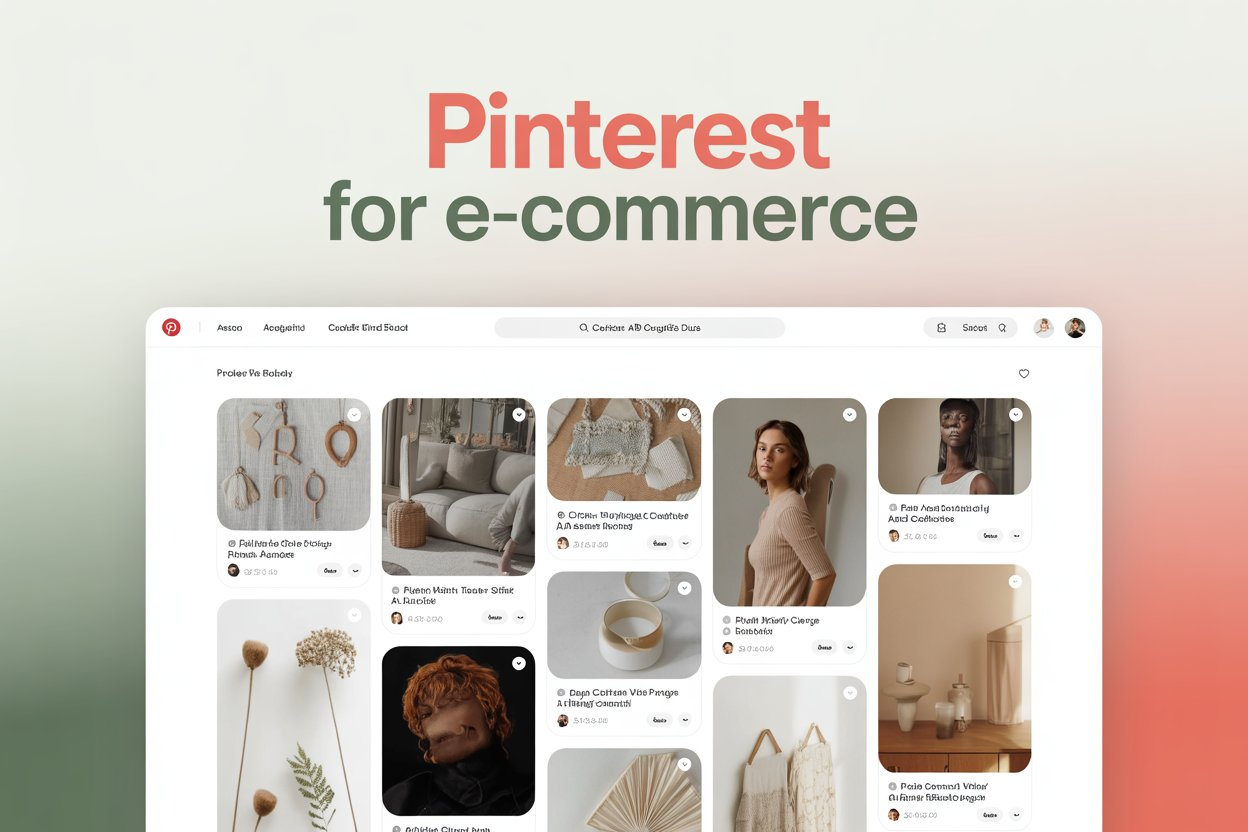
Pinterest is the social platform with the highest purchase intent of any major channel. Research consistently shows Pinterest users are actively looking for products to buy, not just entertainment to consume. For e-commerce businesses, this makes Pinterest a uniquely valuable traffic and sales channel. Shopping Pins, Pinterest’s native product discovery format, enable shoppers to find, save, and buy products without ever leaving the Pinterest ecosystem, creating frictionless pathways from inspiration to purchase.
Setting Up Pinterest for E-Commerce
Creating a Pinterest Business Account
A Business account is required to access Shopping Pins, Pinterest Analytics, and advertising features. If you have a personal account, you can convert it to a Business account in Settings without losing any existing pins or followers. After converting, verify your website domain through the Pinterest website claim process, which is required to enable Rich Pins and improve your content’s credibility signals in search.
Connecting Your Product Catalog
Pinterest’s Catalog feature allows you to upload your entire product catalog and automatically create product pins for every item. Connect your e-commerce platform (Shopify, WooCommerce, BigCommerce, and others are natively supported) through the Pinterest sales channel integration, or upload a product feed file manually. Once connected, your products are automatically updated in Pinterest when you change prices, availability, or descriptions on your store.
Shopping Pins: How They Work and Why They Convert
Product Rich Pins
Product Rich Pins automatically pull your product title, price, availability, and description from your website and display this information directly on the pin. When a user saves a Product Rich Pin, the pricing and availability data updates automatically to reflect any changes on your site. This keeps your pins accurate without manual maintenance and increases purchase confidence by showing real-time pricing and availability to shoppers.
Shoppable Collections
Pinterest’s shoppable collection feature allows you to create curated collections of products that are discoverable through search and displayed in a visual gallery format. Collections are excellent for seasonal campaigns (holiday gift guides, summer product collections) and category showcases that align with how Pinterest users naturally browse. Well-constructed collections appear in Pinterest search and in the “Shopping Spotlights” editorial feature that Pinterest curates for high-quality product content.
Pinterest E-Commerce Performance Benchmarks
| Metric | Google Shopping | |||
|---|---|---|---|---|
| Purchase intent | Very High | Medium | Medium | Very High |
| Avg order value | High ($58+) | Medium | Medium | High |
| Organic reach | High (search-based) | Very Low | Low-Medium | Minimal |
| Content shelf life | Months to years | Days | Hours-Days | Ongoing (with budget) |
| CPC (paid) | $0.10-1.50 | $0.50-3.00 | $0.50-3.00 | $0.50-5.00+ |
Pinterest Shopping Advertising
Shopping Ads Campaigns
Pinterest Shopping Ads amplify your catalog products to users actively searching for related products. They appear in home feeds and search results in the same format as organic product pins, making them feel native rather than intrusive. Shopping Ads campaigns can be targeted by keyword, interest, demographic, and actalike audiences based on your existing customer data. Start with your best-selling products in Shopping Ads campaigns before expanding to your broader catalog.
Retargeting with Pinterest Ads
Pinterest’s retargeting options allow you to show ads to users who have visited your website, engaged with your pins, or taken specific actions in your Pinterest campaign. Retargeting campaigns typically deliver the highest ROAS because they reach users who have already expressed interest in your brand. The Pinterest Tag (a piece of tracking code for your website) enables conversion tracking and retargeting audience building.
Frequently Asked Questions
What types of products sell best on Pinterest?
Home decor, fashion and accessories, beauty and personal care, food and kitchen items, crafts and DIY supplies, garden and outdoor products, and wedding-related items are consistently strong categories on Pinterest. Products that photograph well in lifestyle contexts and inspire aspirational living or project-based creation tend to perform best.
How do I measure Pinterest e-commerce ROI?
Install the Pinterest Tag on your website to track conversions from Pinterest traffic. Set up conversion events for purchases, add-to-cart actions, and checkout initiations. Pinterest Analytics provides conversion data for both organic and paid traffic. UTM parameters on your Pinterest links enable tracking in Google Analytics alongside your other traffic sources for a complete attribution picture.
Do I need a large product catalog to succeed on Pinterest?
No. Even businesses with 10 to 50 products can succeed on Pinterest by creating multiple pin designs for each product, organizing products into thematic collections, and generating lifestyle content that features products in aspirational contexts. Quality and visual presentation matter more than catalog size for Pinterest e-commerce success.
Conclusion
Pinterest offers e-commerce businesses a combination of high purchase intent, substantial organic reach, and long content shelf life that no other social platform can match. The combination of product catalog integration, Shopping Pins, and strategic paid advertising creates a full-funnel commerce capability from initial inspiration discovery through to purchase completion. E-commerce businesses in visually compelling categories that invest in their Pinterest presence are consistently among those reporting the best returns on their social commerce investment in 2026.